

Your Business Has Ears Now. You're Welcome.
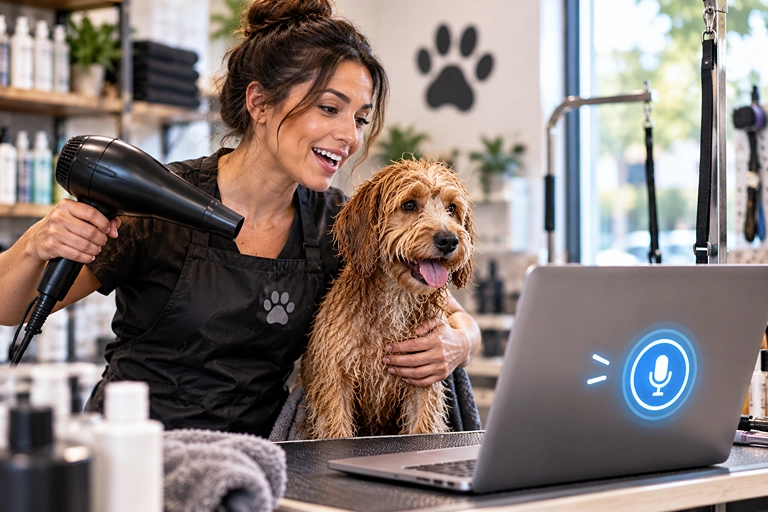
Picture this. You're a dog groomer. One hand is holding a very wet golden retriever named Biscuit. The other hand is holding a hair dryer. Your phone buzzes. A new lead wants a Saturday spot.
You have zero free hands. Biscuit has four free paws, and he's using all of them to plan his escape.
So the lead waits. And waits. And by the time you dry off and find your phone, they've booked with the groomer down the street. Biscuit, at least, looks fabulous.
Here's the lesson: your business doesn't pause when your hands are full. But your software doesn't have to wait for your hands either. You can just talk to it.
Why This Matters (The Short Version)
Most small business owners don't lose leads because they're lazy. They lose them because they're busy doing the actual work. Cutting hair. Fixing pipes. Pulling espresso shots. The "quick CRM update" turns into "I'll do it tonight," and tonight turns into "wait, who was that guy?"
Every task you put off is a task that can slip. And slipped tasks don't send you a reminder. They just quietly cost you money.
Meet Ask AI Voice Mode in Cosmopro
Cosmopro, the software engine Formosi sets up for its clients, has a built-in AI assistant called Ask AI. You can type to it. But it also has Voice Mode, which means you can speak your request out loud and it answers back.
Think of it as a very polite coworker who lives in your laptop, never takes lunch, and doesn't judge you for asking the same question twice.
With Voice Mode you can:
Ask questions about your account, like what a setting does or where something lives.
Trigger actions it supports, like finding or updating contacts and opportunities.
Interrupt it mid-answer and change direction. (Finally, someone you can interrupt without it being rude.)
Switch between voice and typing in the same chat.
And here's the safety net: before it makes changes to important things like contacts, workflows or records, it asks you to confirm. So it won't "helpfully" delete your whole client list because you sneezed.
Quick note: Ask AI is part of Cosmopro's AI plans, which are a paid add-on. If you're not sure whether your account has it, Formosi can check in about two minutes.
How to Use It: 5 Simple Steps
Log in to Cosmopro on your computer and open Ask AI from the navigation.
Click the microphone (the Voice Mode button) in the message bar.
Allow microphone access when your browser asks. This only happens the first time.
Say what you need in plain words. Try: "Find the contact Jenna Lopez and tell me her last appointment."
Confirm any changes when it asks. Then go back to Biscuit.
Pro tip: Stuck on a screen? Select the field or section you're confused about and ask, "What does this do?" It's like having a tour guide who doesn't make you wear a lanyard.
Three Things to Say Out Loud This Week
Not sure where to start? Pick one of these and try it today:
The morning check-in: "What appointments do I have today?"
The quick update: "Add a note to Marcus Reed's contact: wants a quote for the back deck."
The "where is that?" question: "How do I change my business hours?"
Start small. The goal isn't to run your whole business by voice on day one. The goal is to stop leaving tiny tasks for "later," because later is where good leads go to die.
Back to the Grooming Salon
Let's rewind. Same groomer. Same wet Biscuit. Same buzzing phone.
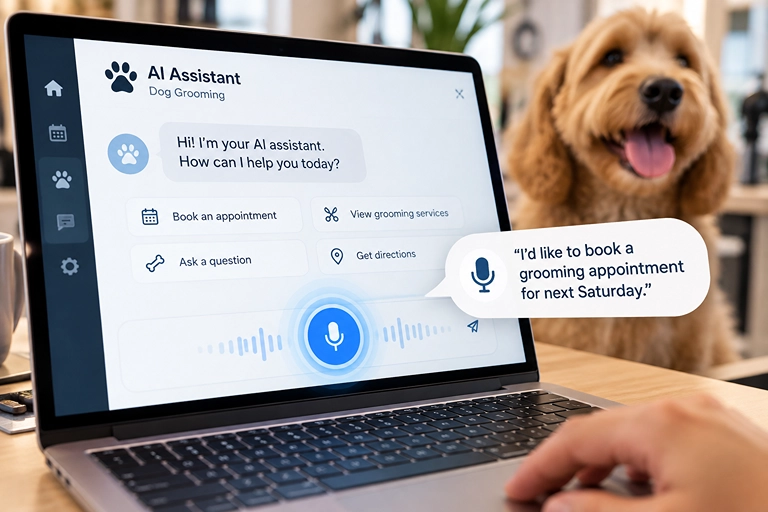
This time, the laptop is open on the counter with Cosmopro's Ask AI ready to go. Without letting go of the dog, the groomer says, "Find the newest lead and tell me what they asked for."
Ask AI reads it back: a new client wants a Saturday bath and trim for a doodle.
"Add a note: call back by noon about Saturday," the groomer says. Ask AI asks to confirm. "Yes." Done.
Total time: about as long as it takes Biscuit to shake water onto everything you love. The lead gets a call back before lunch, and the Saturday slot gets filled. Nobody had to dry their hands first.
(Again, this is a made-up example. Biscuit is fictional. His escape plans, sadly, are very real.)
Quick Recap
Busy hands are the #1 reason small tasks slip, and slipped tasks cost you clients.
Cosmopro's Ask AI Voice Mode lets you talk to your software instead of typing.
Click the mic, allow access, speak plainly, and confirm any changes.
Start with one simple command this week, like checking today's appointments.
Formosi sets up Cosmopro for business owners who'd rather be doing the work than clicking through menus. Want Ask AI turned on and tuned for your shop? Contact Formosi and we'll get you talking. Literally.