
AI Employee vs Chatbot: Boost Your Business
AI for Small Business, Automation, Chatbot vs AI Agent
Your Business Needs an AI Employee — Not Just a Chatbot
Somewhere right now, a potential customer just messaged your business… and is already moving on to the competitor who replied first. Not because they’re better than you, but because they have something you don’t: an AI employee that never sleeps, never forgets to follow up, and never lets a hot lead go cold.
If you own a small business, you’ve probably heard that you “need AI” so many times you can almost hear it in your sleep. But nobody bothered to explain that there’s a canyon-wide difference between slapping a chatbot on your website and actually “hiring” what we’ll call an AI employee — a true AI agent that shows up, does real work, and doesn’t call in sick because its favorite team lost.
Chatbot vs AI Agent: The “Intern vs Manager” Problem
Let’s start with the thing everyone’s heard of: the chatbot. You’ve seen it — the little bubble in the corner of a website that pops up and cheerfully asks, “How can I help you today?” Then proceeds to absolutely not help you today.
A basic chatbot is like a well-meaning intern with a laminated script. It can:
- Answer simple, repetitive questions (“What are your hours?” “Where are you located?” “Do you offer gift cards?”)
- Collect basic info (“Name? Email? Phone?”) and politely dump it into your inbox
- Hand things off to a human when it gets confused — which is often, especially when people type like actual humans and not multiple-choice questions
Chatbots are basically interactive FAQs. They’re useful, but they live in a very small, very polite box. They don’t log into your tools, they don’t move data around, and they certainly don’t wake up in the morning thinking, “How do I help this business hit its revenue goal?”

A true AI agent — what we’re calling an AI employee — is different. It’s not just chatting. It’s doing. It doesn’t just talk about work; it actually performs work inside your business.
- Autonomy: It can decide what to do next based on context, not just whatever keyword it spots in a sentence.
- Integration: It plugs into your website, calendar, CRM, forms, and review profiles to actually move data and trigger actions — not just “take messages.”
- Decision-making: It can prioritize leads, follow up, route tasks, and nudge people (including you) at the right time based on what’s actually happening in your business.
In human terms, the chatbot is the intern who greets people at the door. The AI employee is the manager who can greet them, qualify them, book them in, update the system, and remind the team what needs to happen next — without being told every tiny step.

What an AI Employee Actually Does All Day
Let’s make this real. Imagine you run a dental office, a med spa, a roofing company, a legal practice, or a boutique gym. An AI employee doesn’t just live in a chat bubble. It shows up across your entire business.
- On your website, greeting visitors, answering questions, and booking appointments directly onto your calendar — without your receptionist playing phone tag.
- In your lead generation, capturing leads from forms, calls, and messages, then following up automatically via text and email until they either book… or clearly tap out.
- In your reputation management, requesting reviews from happy customers, responding to feedback, and flagging anything that needs a human touch before it becomes a one‑star epic.
- In your operations, sending reminders, confirming appointments, and nudging your team with “Hey, this lead has asked twice about pricing — maybe call them before they call your competitor.”

This is business automation powered by an AI agent that understands context, not just keywords. It doesn’t just talk about your services; it helps sell them, schedule them, and support them — 24/7, across time zones, even when you’re on a beach pretending you’re not checking your phone every six minutes.
Why This Shift Matters for Small Businesses Right Now
A few years ago, “AI” lived in science‑fiction trailers and awkward keynote speeches. Now it’s in your inbox, your phone, and probably that “smart” coffee machine that keeps updating itself for no reason.
For small businesses, this isn’t just a cool gadget moment — it’s a timing window. Many businesses are already using AI for small things: drafting emails, writing social captions, maybe answering a few website questions. But only a smaller group has gone one step further and wired AI into the core of their operations.
- Responding to leads in minutes instead of hours or days
- Following up consistently without relying on sticky notes and good intentions
- Turning happy customers into a steady stream of public reviews

In crowded markets — salons, law firms, real estate, trades, clinics, hospitality — speed and consistency win. An AI employee doesn’t get tired, doesn’t forget to follow up, and doesn’t lose that note with “Call Maria back about estimate” written on it. It just… does the work. Relentlessly. Politely. And on‑brand (if you set it up well).
Real‑World Examples of an AI Employee at Work
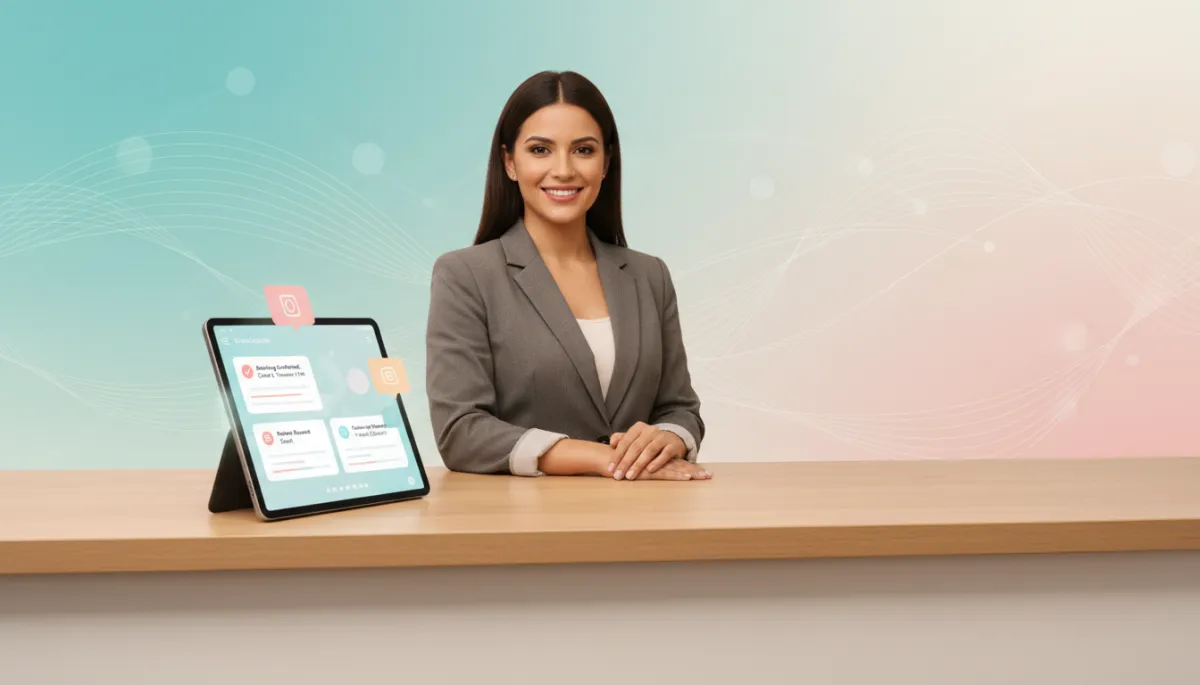
To make this less abstract, here are a few “day in the life” snapshots of what an AI employee can do across different types of businesses.
- Service business (like home repair or cleaning): A new lead fills out a form at 10:37 p.m. The AI employee:
- Replies instantly with a friendly, customized message
- Asks a few clarifying questions (size of job, timing, location, budget range)
- Books a quote visit directly onto your calendar based on your availability
- Logs everything in your CRM so you wake up to a confirmed appointment, not a mystery voicemail
- Clinic or wellness business: After each appointment, the AI employee:
- Sends a check‑in message (“How are you feeling today?”)
- Invites happy clients to leave a review with a one‑tap link
- Schedules a follow‑up reminder if they’re due for another visit in a few weeks or months
- Consulting or professional services: When someone downloads a guide or fills out a contact form, the AI employee:
- Sends a personalized introduction and asks what they’re trying to solve
- Shares relevant case studies or resources based on their answers
- Offers a call slot, then books it directly if they accept
- Sends reminders so your “no‑show” rate doesn’t make you cry into your calendar
Step 1: Clarify the Job Description for Your AI Employee
You don’t hire a human by saying, “Just, you know, help with stuff.” Same with an AI agent. You start by defining what “winning” looks like for you:
- More booked appointments from your website?
- Faster lead response so nobody waits more than a few minutes to hear from you?
- Better review generation so your online profile actually matches how good you are?
Once the job is clear, the AI employee can be “trained” to do it — consistently, and at a scale no human wants to match unless they really, really love sending follow‑up texts at 10:43 p.m.
Step 2: Put It Where the Money Is (Website & Lead Gen)
Your website shouldn’t be a digital brochure; it should be a digital salesperson. When your website is set up for conversion, your AI agent can:
- Greet visitors with smart, on‑brand messaging that feels human, not robotic
- Ask the right questions to qualify leads (budget, timeline, service type) without scaring them off
- Book calls, consultations, or appointments directly on your calendar — no back‑and‑forth emails
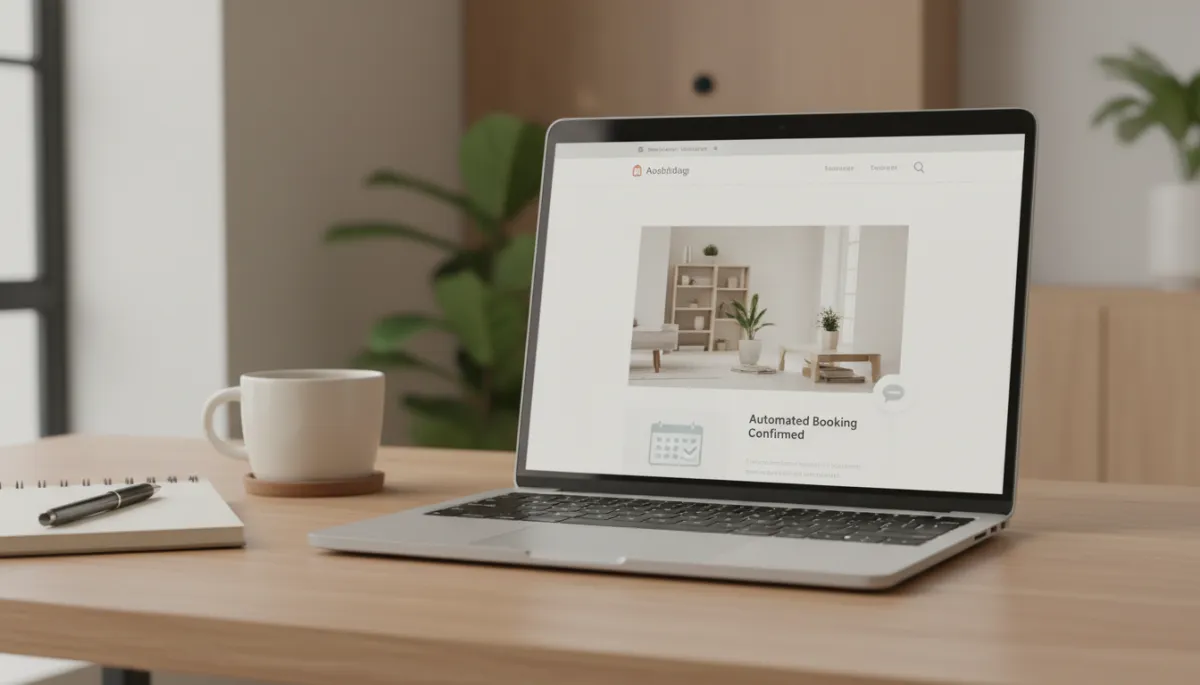
On the lead generation side, automations can capture leads from forms, calls, and campaigns, then let your AI employee:
- Respond instantly with personalized messages (not those “Thanks, we’ll get back to you in 48 hours” fossils)
- Nurture leads over days or weeks, checking in, answering questions, and nudging them toward a decision
- Flag hot leads for your human team so you spend your time on people actually ready to buy
Step 3: Protect and Grow Your Reputation on Autopilot
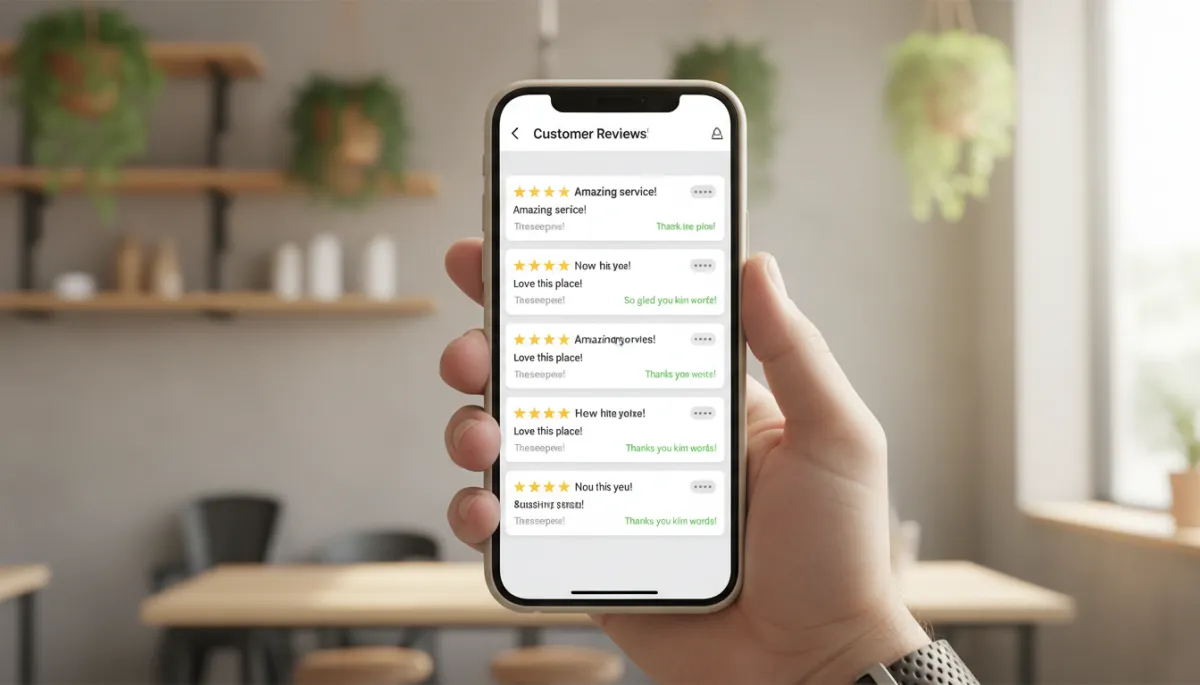
Reviews matter. In any market where people have options, they’re checking your stars before they check your prices. A solid reputation management system plugs your AI employee into that world so it can:
- Automatically text or email happy customers after a visit and ask for a review — with a dead‑simple link
- Draft thoughtful, on‑brand responses to reviews so you’re not typing “Thanks!” 47 times a month
- Alert you when something negative pops up so a real human can step in and fix it fast
Step 4: Let Automation Handle the Boring, Repetitive Stuff
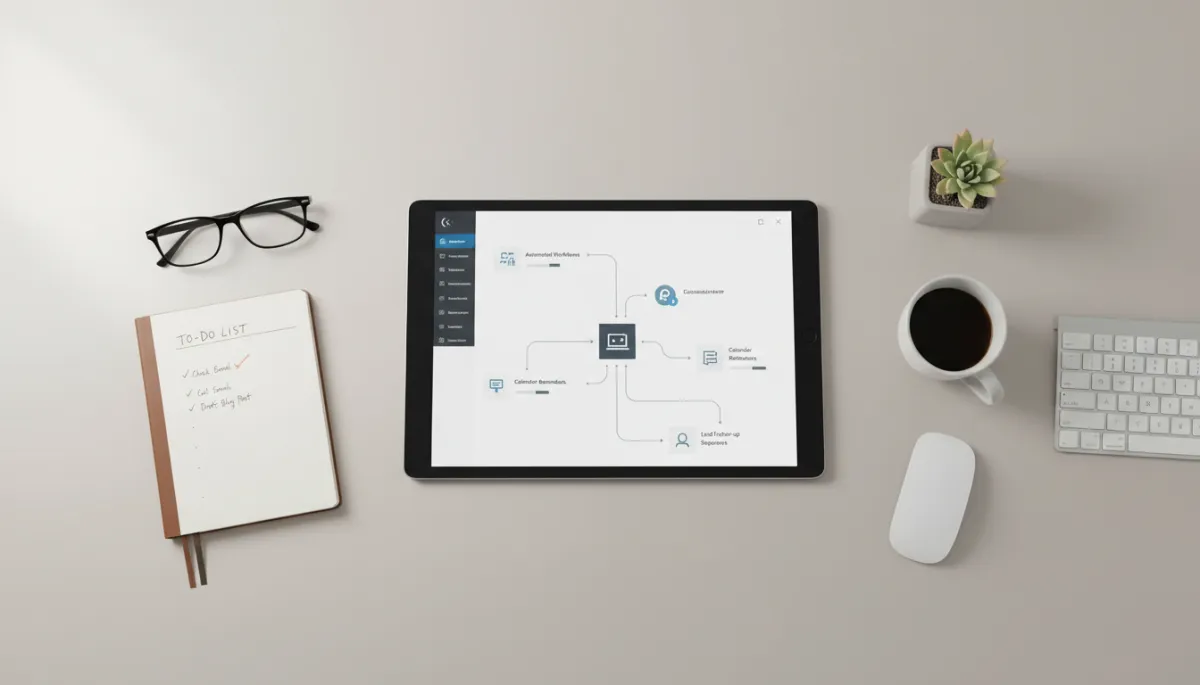
This is where business automation really starts to feel like magic. Your AI employee can be wired into the everyday grind:
- Appointment reminders and confirmations so your no‑shows drop and your cash flow stops playing roller coaster
- Follow‑ups after quotes or proposals so you’re not leaving thousands on the table because nobody sent the “Just checking in” message
- Internal reminders to your team — “Hey, this client hasn’t been seen in six months, time for a reactivation offer.”
“Is This Going to Replace My Team?”
Short answer: no. Longer answer: if an AI employee can replace someone entirely, that person probably wasn’t doing work that actually grew your business in the first place. Most small businesses using AI aren’t cutting jobs — they’re using it to boost productivity, then reinvesting that time into better service, more capacity, and new offers.
“Replace your team” is the wrong question. “What parts of their job are they secretly begging me to automate?” is the right one.
Think of your AI agent as the world’s most consistent assistant: it handles the repetitive, rules‑based, soul‑sucking tasks so your humans can do the human things — building relationships, solving complex problems, and, you know, not burning out by age 34.

How to Tell If You’re Ready for an AI Employee
You don’t need to be “a tech person” to put an AI employee to work. You do need a few basics in place. Think of this as your readiness checklist — no judgment, just data.
- You have more leads than you can follow up with properly.
If you regularly think, “We could have closed that if we’d replied faster,” you’re a prime candidate. - Your processes exist, even if they’re messy.
You roughly know what should happen when a new lead comes in, a quote is sent, or a job is finished — even if it currently lives in your head and a few scattered emails. - You’re willing to define “good enough” messages.
You don’t need Shakespeare. You do need to approve the tone and general logic for your AI employee so it sounds like you, not a legal disclaimer. - You’re okay with a short setup period.
The first week or two is about wiring things up and tweaking. After that, you’re mostly monitoring and improving, not rebuilding every day.
How to Put an AI Employee to Work This Week
Let’s get ridiculously practical. If you wanted to start using an AI employee in the next 7 days, here’s what that could look like:
- Pick one high‑friction area.
New leads falling through the cracks? No‑shows? Weak reviews? Start there. One clear win beats ten “somedays.” - Map the flow.
Turn your messy, “Well, sometimes we do this” process into a clean, repeatable path your AI agent can follow every single time. - Deploy on your website and communications.
Plug your AI employee into your website, forms, and messaging so it can start capturing, responding, and booking — not just “collecting info.” - Watch the data, tweak, repeat.
Track how many leads are contacted, how many reviews are generated, how many appointments are booked — and adjust until it’s humming.
No PhD required. No “AI bootcamp.” Just clear goals and smart systems in a real business, in the real world — where “I’ll get to it later” usually means “I’ll get to it never.”
Frequently Asked Questions About AI Employees for Small Business
Do I need to be “tech savvy” to use an AI employee?
Not at all. You do need to know your own business — who you serve, what you offer, and what “a win” looks like. The technical setup can be handled by specialists or tools built for non‑technical owners, so you spend your time approving messages and flows, not writing code.
How much time does it take to set up?
Most small businesses can get a basic AI employee running in days, not months — especially if you focus on one use case first, like lead follow‑up or appointment reminders. You’ll invest some time upfront to approve scripts and automations, then it largely runs in the background with light tweaks as you learn what works best.
Will my customers know they’re talking to AI?
That’s up to you. Many businesses are transparent and label it clearly; others simply focus on fast, helpful responses. What matters most is that people get accurate, respectful, on‑brand communication — and that a human is available when a situation is sensitive or complex.
Is my customer data safe with an AI employee?
Any AI system you use should follow strong security practices: encryption, access controls, and clear data‑handling policies. As the owner, you’re responsible for choosing tools and partners that respect privacy, comply with regulations in your industry, and give you control over what is stored, shared, or deleted.
What does an AI employee actually cost compared to a human hire?
Costs vary by platform and scope, but an AI employee is usually closer to a software subscription than a full‑time salary. Many owners compare it to hiring a part‑time assistant that works 24/7 — the key is to measure it against the revenue it helps you recover from missed leads, no‑shows, and slow follow‑up.
What’s the best first step if I feel overwhelmed by AI?
Start small and specific. Pick one painful, repetitive process — like chasing reviews or confirming appointments — and explore how an AI agent could handle just that. Once you see a clear win in one area, it becomes much easier to expand into other parts of your business with confidence.
Ready to Turn This Insight into Action?
If you’d rather not figure all of this out alone, this is where Formosi comes in. Formosi helps small businesses turn the ideas in this article into real‑world systems — from AI‑powered lead follow‑up and review generation to websites that actually convert and automations that keep working while you sleep.
You bring the business, the goals, and the personality. Formosi brings the strategy, the tech, and the done‑for‑you setup so your first AI employee feels less like a science experiment and more like the most reliable hire you’ve ever made.
SEO_TITLE: Your Business Needs an AI Employee — Not Just a Chatbot | Formosi Insight
SEO_DESCRIPTION: Learn the difference between a basic chatbot and a true AI employee, what real AI agents can do inside a small business, and how to tell if you’re ready to automate lead follow-up, reviews, and operations with AI.
SEO_KEYWORDS: AI employee, AI agent, chatbot vs AI agent, business automation, AI for small business, small business AI, reputation management, lead generation, AI chatbot limitations, autonomous AI agents